Help

Support Centre

You are not stuck on your own. Check the common questions first; if the answer is not there, our team is on Discord.

Common questions

The five questions we see most often. The full list is on the FAQ page.

  • How do I connect to the server?

    Open Minecraft Java Edition, go to **Multiplayer → Add Server**, and enter `play.orinium.net` as the server address.

  • Which Minecraft version is required?

    You can connect with versions 26.1 and 26.2. We recommend 26.2 for the best experience.

  • Do I need to install any mods or resource packs?

    No. All 3D furniture and custom cosmetics run server-side; you can join with a normal vanilla client.

  • What can I do on Orinium?

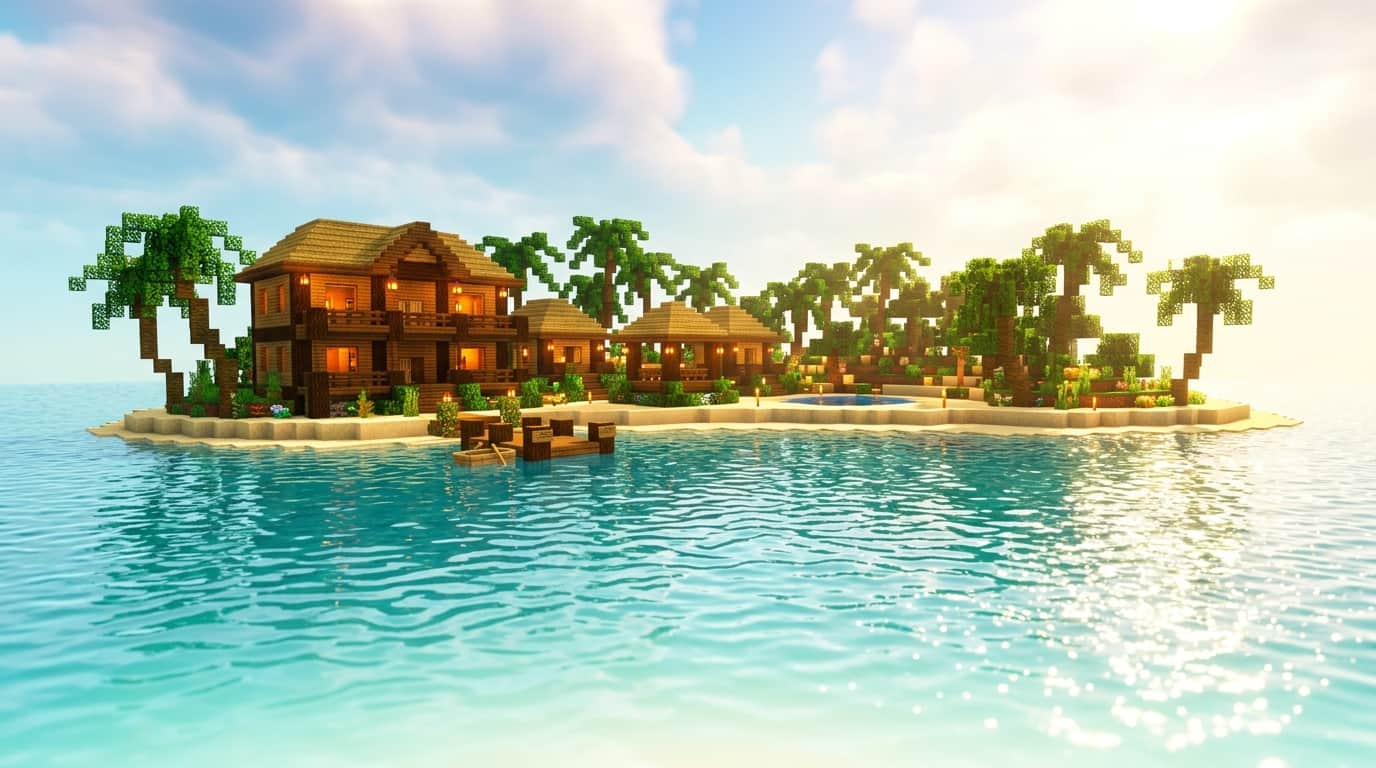
    A vast world to explore, structures to build, events to participate in, and fun minigames to play with friends await you on Orinium.

  • What do I need to join the server?

    All you need to join Orinium is an official Minecraft account and a supported Minecraft version.